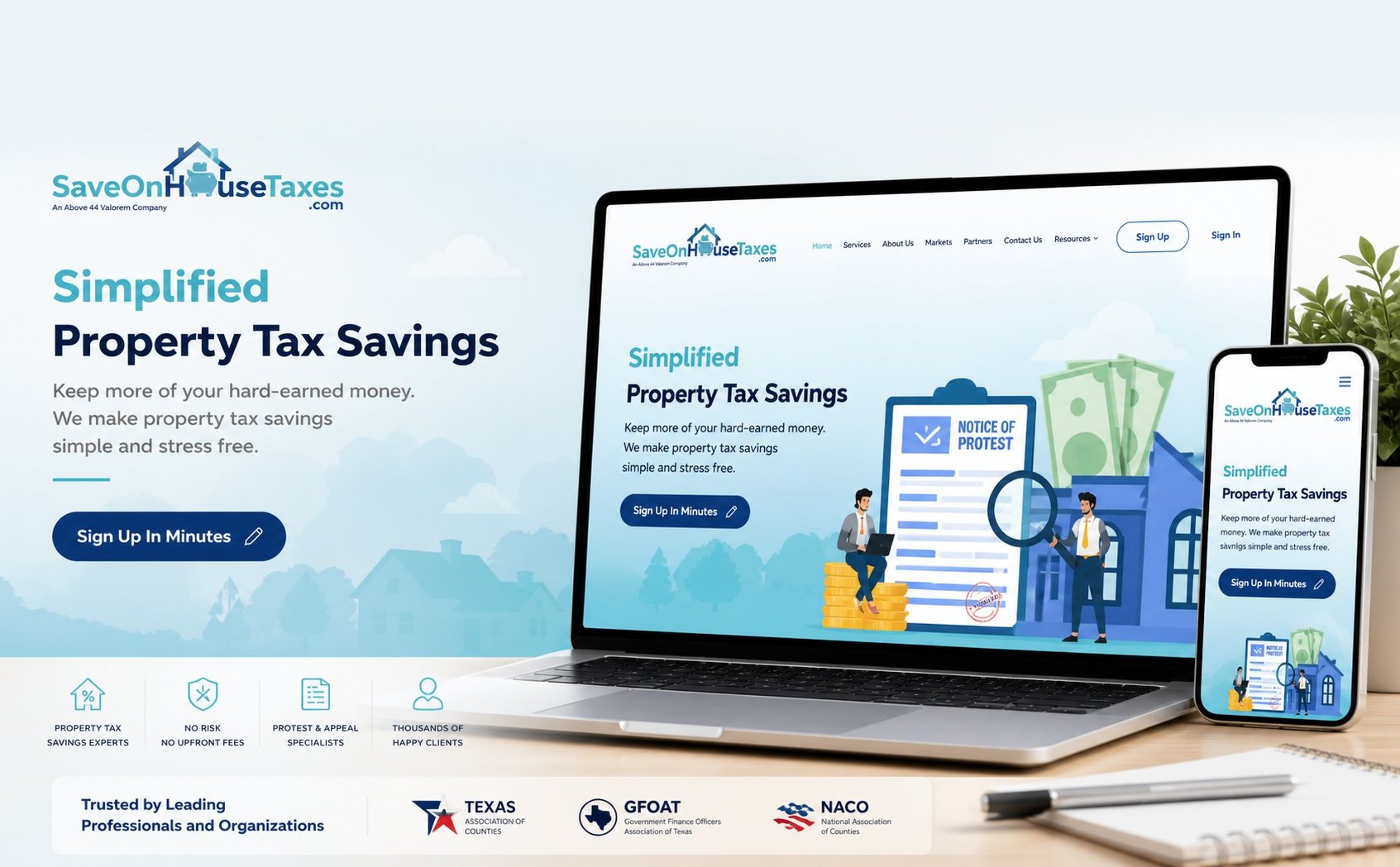
WordPress / CRM / Automation / PDF Generation
A full client enrollment system — digital agreements, automated PDF generation, Zoho CRM sync, and follow-up sequences — built to handle hundreds of concurrent cases without anyone on staff managing the queue.
The business was growing fast. The process holding it together was built for a tenth of the volume. Every new client meant more emails, more PDFs printed and scanned, more manual CRM entries — more opportunities for something to slip.
What looked like a website project from the outside was really an operational infrastructure problem. The enrollment system we built didn't just replace a manual process — it removed the ceiling that was quietly limiting how many clients the firm could take on.
The Challenge
SaveOnHouseTaxes.com operates on a contingency model: clients sign agreements, the firm files property tax protests on their behalf, and earns a percentage of whatever savings they secure. The model works. The problem was the intake process was entirely manual — new clients received a PDF via email, printed it, signed it, scanned it, and sent it back. Staff then manually entered that data into a spreadsheet and updated Zoho by hand.
During peak filing season in Texas (spring through early summer), this process was failing under volume. Documents were going unsigned because no one was following up. CRM records were incomplete. Cases were getting mixed up between counties. The firm was losing revenue not because of bad service — but because of bad infrastructure.
The core problem: every additional client added more manual work rather than less. The firm had built something that couldn't scale with them. Our job was to build the thing that could.
Process Audit
Before building anything, we mapped the existing enrollment workflow from first contact to Zoho CRM entry. Every manual step was a failure point. Here's what we found.
Basic contact form submission. No validation, no county detection, no multi-property handling. Data went into a generic email inbox.
Generic PDF template attached to a manually written email. No client-specific data baked in. No tracking of whether the email was opened or the agreement was accessed.
The most significant friction point. Many clients never completed this step. No automated follow-up. No way to track who had and hadn't signed without manually checking an email thread.
Each new client required a Zoho contact record to be created or updated by hand: name, address, property details, account number, county. Error-prone and time-consuming during peak season volume.
Clients who didn't complete the signing process simply fell off. No reminders, no re-engagement. Revenue was being left on the table with every filing deadline.
We didn't build a website. We built the operational infrastructure the business needed to grow past the limits of what one person could manually manage. The website is just the front door.
Technical Implementation
We built three separate custom WordPress plugins — enrollment + PDF pipeline, CRM bridge, and admin tooling — keeping each domain isolated so changes to one can't break the others.
On submission, the plugin validates the data, detects the county from the property account number format (including Fort Bend's R-prefix pattern and similar county-specific variations), normalizes the format, and stores the record to a custom WordPress database table.
A PDF is generated server-side via TCPDF in under two seconds using the client's actual data — name, property address, account number, agreement terms, and a signature placeholder block. A secure time-limited link is emailed to the client for signature capture.
The Zoho bridge was built as a standalone plugin to isolate CRM logic from the enrollment pipeline. Changes to field mapping or API behavior can be made without touching the PDF generation or email delivery code — critical during the filing season when stability is non-negotiable.
The plugin handles contact creation and update on enrollment using email as the deduplication key, custom field population (county, account number, property address), status updates as the agreement moves through stages, and activity log entries for every workflow event.
Agreement templates change periodically as state law and firm policy evolve. Rather than hardcoding templates into the plugin, we built a template management system inside WordPress admin that lets the firm update agreement language, reposition signature blocks, and preview the rendered output before it goes live.
Signature capture uses a canvas element on a mobile-friendly page. The signature is locked to the correct output dimensions before base64 conversion to prevent the aspect ratio distortion that affected earlier attempts. The final image is embedded into the PDF at the exact signature block position.
Results
The enrollment system went live ahead of the first peak filing season and handled the volume surge without incident. These are the outcomes from that first full season.
Build something similar
Whether it's client enrollment, document generation, CRM integration, or any other operational workflow — we build systems that scale with your business instead of holding it back.